Introduction to the MV88 Microphone
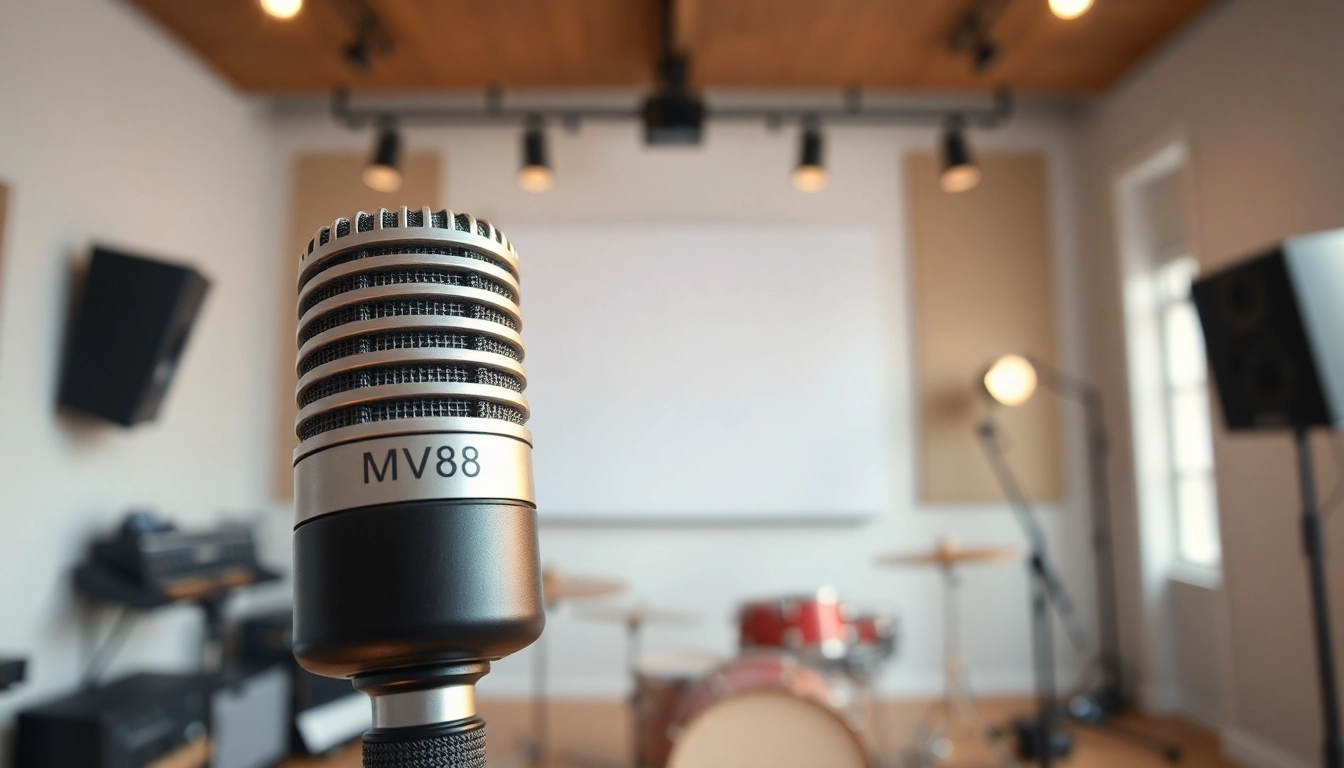
The MV88 Microphone is a state-of-the-art mobile stereo microphone designed by Shure. It targets audiophiles, podcasters, musicians, and content creators who require high-quality audio from a compact device. As mobile recording becomes more prevalent, understanding the features, setup, and optimum usage of such equipment can significantly influence the quality of audio projects. This article delves into the specifics of the MV88, breaking down its features, setup processes, best practices for recording, and tips for comparing it with competitors.
What is the MV88?
The MV88 is an advanced stereo condenser microphone designed specifically for mobile devices. It boasts Lightning connectivity, making it directly compatible with iOS devices without the need for external adapters. The microphone diagonally captures sound, allowing users to record a wide array of audio sources, from musical instruments to voice recording, all while ensuring pristine sound quality. Users or creators intending to capture high-definition audio will find this device indispensable due to its simple plug-and-play functionality and impressive acoustic fidelity.
Key Features of the MV88
- Lightning Connectivity: Direct compatibility with iOS devices provides ease of use without any need for additional equipment.
- Stereo and Mid-Side Recording: Offers a wide range of recording options, allowing for versatility in capturing audio environments.
- Customizable Settings: Integrated software, the ShurePlus MOTIV app, enables users to adjust gain levels, choose stereo width, and select from various preset audio profiles for different scenarios.
- Built-in Windshield: Protects against wind noise, enhancing outdoor recording capabilities.
- Durable Design: Its rugged construction is suitable for various recording environments, ensuring longevity and reliability.
- Compact Size: The lightweight design makes it portable, ideal for on-the-go recording.
Who Can Benefit from Using the MV88?
The MV88 caters to a variety of users due to its robust design and high-quality output. Below are some groups that can greatly benefit from this microphone:
- Musicians: It allows musicians to capture live performances and rehearsals in excellent quality.
- Podcasters: For podcasters looking to create professional-sounding audio, the MV88 provides impeccable sound reproduction.
- Vloggers and Content Creators: Those creating visual content benefit from enhanced audio quality, making videos more engaging and professional.
- Field Recorders: Journalists and sound designers can effectively capture ambient sounds and interviews.
- Educators: The microphone is useful in creating digital teaching materials, enhancing the clarity of recorded lectures.
Setting Up Your MV88 Microphone
Required Equipment and Accessories
To maximize the performance of your MV88, certain equipment and accessories can be beneficial, though not strictly necessary:
- iOS Device: An iPhone or iPad compatible with Lightning connections.
- ShurePlus MOTIV App: A vital app for managing audio settings and enhancing recording capabilities.
- Tripod or Stand: For stable recording and positioning in various environments.
- Pop Filter or Windshield: While the MV88 comes with a built-in windshield, additional filters can be useful in very windy conditions.
- Power Bank: If recording for extended periods, especially outdoors, a power bank can keep your devices charged.
Installation Steps for Optimal Performance
Setting up the MV88 microphone is straightforward and can be completed in a few steps:
- Plug the MV88 into the Lightning port of your iOS device.
- Download and install the ShurePlus MOTIV app from the App Store.
- Open the app and select the MV88 device to connect.
- Navigate through the app to adjust settings such as gain level, stereo width, and choose audio presets based on your recording situation.
- Position the microphone appropriately to the sound source, ensuring it is secure, especially if using a stand or tripod.
- Do a quick test recording to ensure that all settings align with your desired output.
Troubleshooting Common Setup Issues
While the MV88 is user-friendly, you may encounter some common setup issues. Here’s how to address them:
- No Sound Output: Ensure the microphone is securely connected. Check device audio settings and permissions for the ShurePlus MOTIV app.
- Distorted Audio: This could be due to high gain levels. Lower the gain settings in the app.
- Incompatible App Issues: Ensure you have the latest version of the ShurePlus MOTIV app; an update may resolve connectivity issues.
- Battery Drain: If using your iOS device for extended recordings, consider connecting to a power bank to maintain battery life.
Best Practices for Recording with the MV88
Techniques to Enhance Sound Quality
To achieve outstanding sound quality with the MV88, implement the following techniques:
- Monitor Levels: Use the app to monitor audio input levels and adjust gain to avoid clipping or excessive noise.
- Adjust Microphone Position: The distance and angle of the microphone relative to the sound source can significantly affect audio quality. Experiment to find the optimal positioning.
- Utilize Sound Profiles: Use the preset sound profiles available in the ShurePlus MOTIV app tailored for voice, music, and loud environments for the best results.
Environmental Considerations
The recording environment plays a crucial role in audio quality. Here are some considerations:
- Choose a Quiet Location: Reduce background noise wherever possible by selecting quieter environments.
- Control Reverb: Soft furnishings can help dampen sound reflections; consider recording in such spaces.
- Wind Protection: Utilize the built-in windshield for outdoor recordings, and consider upgrading if conditions are particularly windy.
Editing and Post-Production Tips
Post-production is pivotal in achieving professional-quality recordings. Here are some editing tips:
- Use Audio Editing Software: Leverage software like Audacity or Adobe Audition to refine audio, remove noise, and enhance clarity.
- Normalize Audio Levels: Adjust levels to ensure consistent volume throughout the recording.
- Add Effects Sparingly: While effects can enhance audio, use them judiciously to avoid compromising sound quality.
Comparing the MV88 with Competitors
What Sets the MV88 Apart?
When comparing the MV88 to other microphones on the market, several features make it remarkable:
- Integrated App Control: The ability to customize settings via the ShurePlus MOTIV app provides the user with flexibility and control uncommon in many mic models.
- Compact Design: The lightweight and portable nature of the MV88 is distinct, making it more convenient for on-the-go professionals compared to bulkier alternatives.
- Advanced Stereo Capabilities: The mid-side recording functionality delivers superior stereo imaging, enhancing recording versatility.
Price Point Analysis and Value
The MV88 is competitively priced within the market, especially considering its features. Users generally find it provides excellent value due to:
- High-Quality Sound: The MV88 delivers sound quality that rivals higher-end studio mics, making it valuable for both amateur and professional settings.
- Durability: The robust design ensures longevity, making the investment worthwhile.
- Included Software: The ShurePlus MOTIV app enhances the overall user experience without extra costs.
User Experiences and Reviews
Many users have praised the MV88 for its ease of use and sound quality. Review highlights include:
- Performance: Users frequently comment on the clarity of recordings, particularly in both music and podcast contexts.
- Portability: Many appreciate how easy it is to carry the microphone to various locations, making it a popular choice among traveling audio professionals.
- User-Friendly: The intuitive setup and app integration have garnered favorable reviews, contributing to a satisfied customer base.
Conclusion: Is the MV88 Right for You?
Summarizing Benefits and Limitations
The MV88 Microphone presents many benefits such as:
- Exceptional sound quality and fidelity.
- User-friendly setup and application controls.
- Portability suited for various environments.
However, there are considerations such as:
- Compatibility is limited to iOS devices, which may not suit all users.
- While it excels in many scenarios, it may not replace high-end studio microphones for professional studio work.
Final Recommendations
Ultimately, the MV88 Microphone is an excellent choice for those looking to achieve high-quality recordings on mobile devices. If portability coupled with superior audio quality is a priority for you, the MV88 stands out as a worthwhile investment. Consider your specific requirements, especially regarding your recording environment and intended use, to determine if it aligns well with your audio needs.
Where to Purchase the MV88
The MV88 can be purchased from various online retailers, including large e-commerce platforms and specialized audio equipment stores. Ensure to check authorized distributors for genuine products and after-sales support, particularly for warranty considerations.