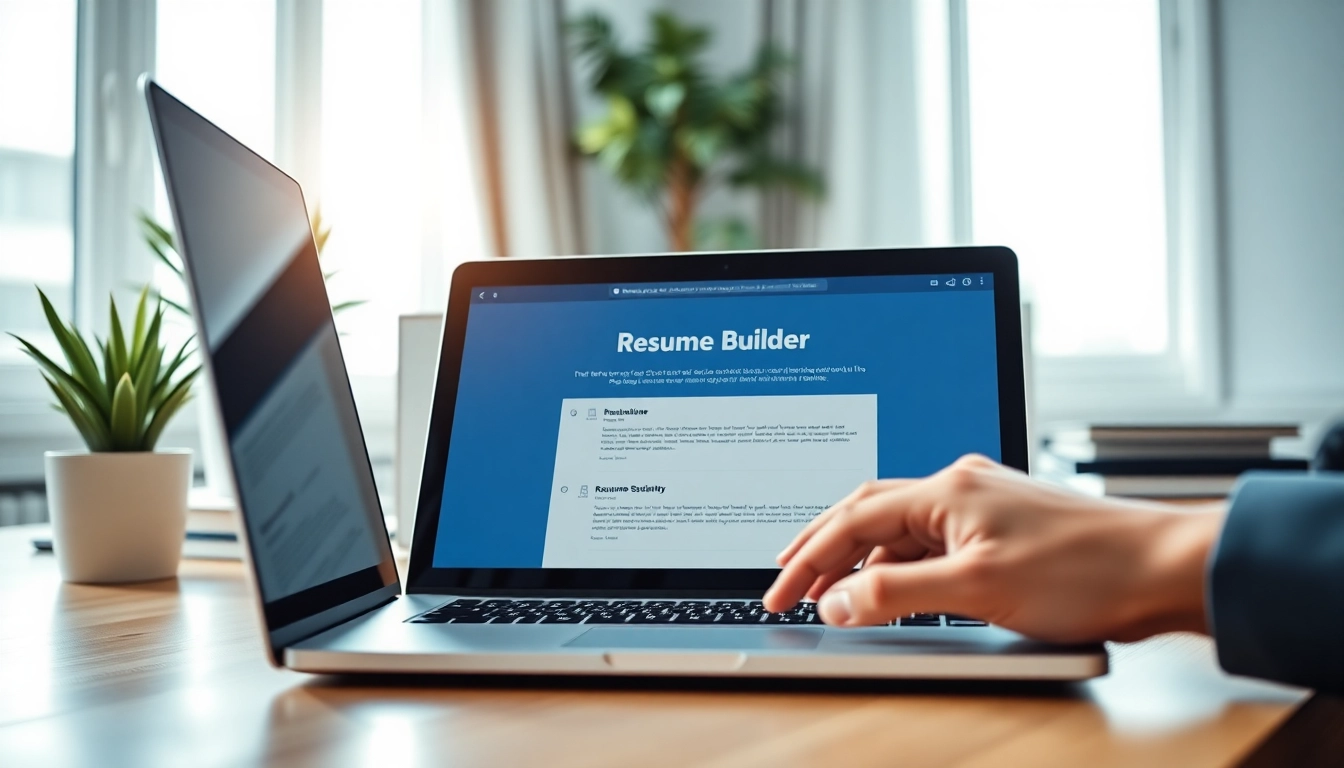
Introduction to Resume Builder
In today's competitive job market, having a well-crafted resume is essential for standing out to potential employers. A Resume Builder is a digital tool designed to streamline the process of creating an eye-catching and professional resume. This article will explore why you should consider using a resume builder, the benefits it offers, and how to select the right one based on your individual needs.
Why You Need a Resume Builder
Creating your resume from scratch can be daunting. Many applicants face difficulty in deciding what content to include and how to format it effectively. A resume builder provides you with templates and structured guidance to make this process simpler. It also reduces the time and effort required to design a polished document that highlights your skills and experience.
The Benefits of Using a Resume Builder
Utilizing a resume builder offers a variety of advantages:
- Customizable Templates: Resume builders offer a wide array of professional templates that can be tailored to fit your style and preferences.
- Guidance and Suggestions: Many resume builders provide real-time writing tips and examples to help you create compelling content.
- Time Efficiency: With templates and guided sections, you can produce a resume much faster than if you were starting from scratch.
- Ease of Use: Most resume builders are user-friendly, making them accessible to individuals of all technical abilities.
How to Choose the Right Resume Builder
Selecting a resume builder depends on various factors, including your specific needs and the industry you're targeting. Consider the following criteria when making your choice:
- Features: Look for features such as customization options, built-in keyword suggestions, and export formats.
- User Reviews: Check reviews for insights into user experiences, particularly regarding ease of use and effectiveness.
- Cost: Determine whether you need a free tool or if you are willing to invest in a premium service for additional features and support.
Getting Started with Resume Builder
Sign Up and Account Creation
Most resume builders require users to create an account before accessing their tools. The registration process typically involves providing basic personal information such as your name, email address, and a password. Some platforms may offer guest access, but signing up often unlocks additional features.
Understanding the Interface
Once you have created an account, you will be introduced to the user interface. A well-designed interface is intuitive, allowing you to navigate through different sections seamlessly. Look for tools that include drag-and-drop functionality, easy access to templates, and a preview pane to observe how your resume will appear in real-time.
Choosing Templates for Your Resume
The template you choose plays a pivotal role in how your resume is perceived. Opt for a template that reflects your personality yet remains professional. Consider industry standards; for example, creative industries may allow for more visual flair, while corporate sectors often prefer a traditional style. Many resume builders categorize templates by profession, making it easier to find an appropriate design.
Crafting Your Resume with Resume Builder
Essential Sections to Include
Your resume should typically include the following sections:
- Contact Information: Your name, phone number, email, and, if applicable, links to professional websites or profiles.
- Professional Summary or Objective: A brief statement outlining your career goals and what you offer potential employers.
- Work Experience: List your previous job positions, responsibilities, and accomplishments in reverse chronological order.
- Education: Educational qualifications, including degrees and certifications.
- Skills: A list of relevant skills, particularly those that match the job description.
Tips for Writing Strong Content
Writing your resume content effectively is crucial for capturing employer interest. Here are some tips to strengthen your content:
- Be Concise: Use bullet points to present information clearly and avoid lengthy paragraphs.
- Quantify Achievements: Instead of saying "increased sales," specify "increased sales by 20% within six months." This adds credibility!
- Tailor Content: Customize your resume for each job application by incorporating relevant keywords from the job listing.
Using Keywords Effectively
To improve the visibility of your resume, especially in applicant tracking systems (ATS), integrating industry-specific keywords is vital. Analyze job descriptions to identify common terms and include them naturally in your content. Keywords might relate to skills, technologies, or competencies relevant to the job.
Advanced Features of Resume Builder
Customization Options Available
Many resume builders offer extensive customization options, allowing you to change fonts, colors, and layout elements. The ability to adjust these features lets you create a resume that feels authentic to your personal brand. Make sure you maintain readability while customizing to enhance visual appeal.
Using AI to Enhance Your Resume
Some modern resume builders come equipped with AI features that can analyze your content and suggest improvements. These might include keyword optimization suggestions, grammar checks, and alerts regarding overused phrases. Leveraging AI can help ensure that your resume aligns with current best practices and stands out to recruiters.
Saving and Downloading Your Resume
When your resume is complete, the final step is saving and downloading it. Many resume builders allow you to export your resume in various formats such as PDF, DOC, or TXT. It's wise to save it in multiple formats for different application requirements, ensuring your resume retains formatting across all platforms.
Frequently Asked Questions
What is a Resume Builder?
A Resume Builder is an online tool that helps users create professional resumes by providing templates and guidance.
Is the Resume Builder free to use?
Yes, the Resume Builder offers free access to essential features, allowing users to create resumes without cost.
Can I edit my resume after downloading?
Yes, you can edit your downloaded resume using any compatible word processing software.
What templates are available?
The Resume Builder offers a variety of modern and professional templates to choose from.
How long does it take to create a resume?
Using the Resume Builder, you can create a resume in as little as 15 minutes, depending on your content.